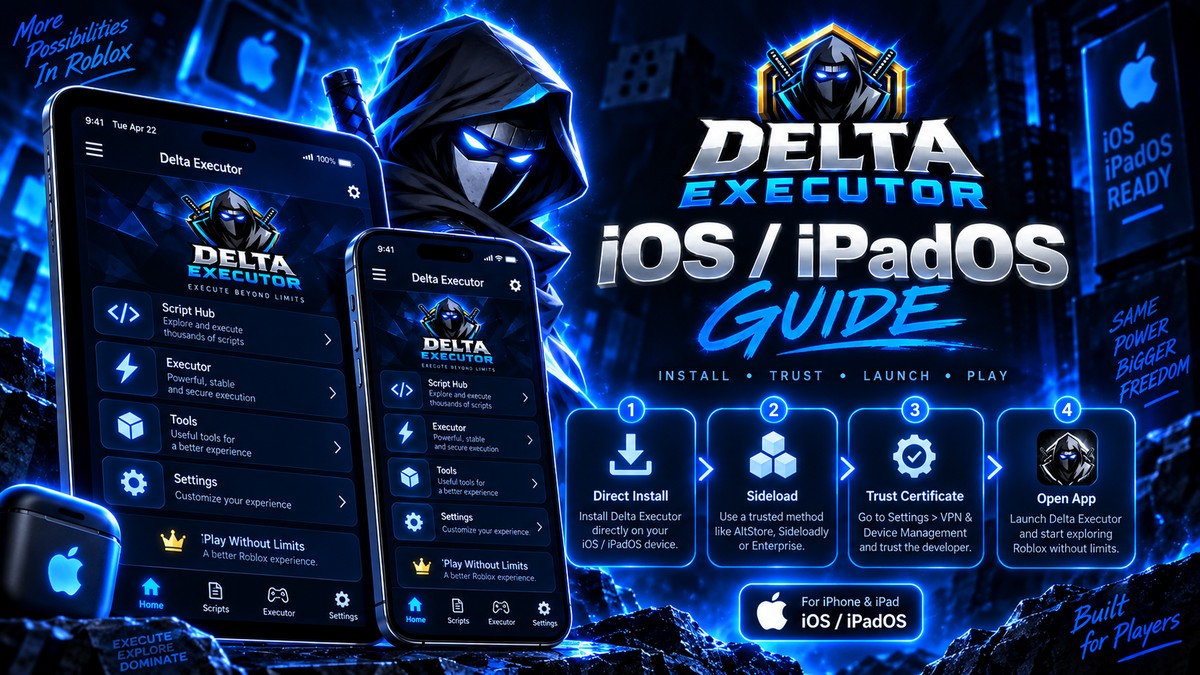
iOS is the harder platform and the options are fewer. This covers what genuinely works without a computer and what to expect from each.
Need another section? Start with the Delta Executor homepage, use the Delta Executor download hub for platform files and setup routes, read the Delta Executor key guide, or browse the Delta Executor scripts library.
The Short List
| Executor | iOS support | Needs a PC? |
|---|---|---|
| Delta | Yes | No, direct install available |
| Hydrogen | Yes | No |
| Arceus X | No | Not applicable |
| Codex | Limited | Varies |
| Xeno | No | Not applicable |
Delta is the most practical choice for most iPhone users, mainly because it has the widest script support of the options that actually run on iOS.
How iOS Installation Works
Apple does not allow these apps in the App Store, so they are sideloaded. Two routes exist.
Direct install. The app installs through a web based profile, no computer needed. This is what most people use.
IPA sideloading. You install an IPA file using a signing service or a tool. Some routes need a computer, some do not.
After installing either way, go to Settings, General, VPN and Device Management and trust the developer profile.
The Certificate Problem
This is the defining iOS frustration and it affects every option equally.
These apps are signed with enterprise certificates. Apple regularly invalidates them, and when that happens the app stops opening with no warning and no fix on your side.
Reinstalling with a fresh certificate is the only remedy. It will happen again.
| Certificate type | Typical lifespan |
|---|---|
| Free shared certificate | Days to weeks |
| Paid or premium certificate | Weeks to months |
| After a mass revocation | Immediate, regardless of type |
This is the main thing Premium buys you on iOS and it is a genuine benefit.
iPhone vs iPad
Both work. iPad benefits from the larger screen for script editing, and generally has more memory headroom.
The certificate problem is identical on both.
What To Expect
Performance on modern iPhones is good. The app runs, scripts execute, and the overlay works.
The friction is entirely in the install lifecycle. Expect to reinstall periodically, permanently, with no way to prevent it.
Safety On iOS
iOS is more restrictive by default, so the permission surface is smaller than Android. That does not make sideloaded apps safe.
- Only trust profiles for apps you deliberately installed.
- Review Settings, General, VPN and Device Management periodically and remove anything unfamiliar.
- Never enter your Roblox password inside any app or key page.
- Be wary of profiles installed alongside the one you wanted.
An unexpected configuration profile is a serious warning sign. Remove it.
Frequently Asked Questions
Does Arceus X work on iPhone? No. It is Android only, which is why iOS users generally end up with Delta.
Do I need a jailbreak? No. Current options work on standard iOS.
Why does the app keep disappearing? Certificate revocation. Reinstall with a current certificate.
Is sideloading safe on iOS? Safer than Android by default because of tighter restrictions, but the source of the file still matters.
Related reading
Should You Use A Roblox Executor At All?
An honest cost and benefit look at Roblox executors, covering what you gain, what you risk, and who should stay away.
Read more
Delta Executor vs Arceus X: Which Should You Use In 2026?
A direct comparison of Delta Executor and Arceus X on platform support, script compatibility, key systems and stability.
Read more
Delta vs Codex vs Hydrogen Compared
Three of the most used mobile Roblox executors compared on features, reliability, key systems and device requirements.
Read more