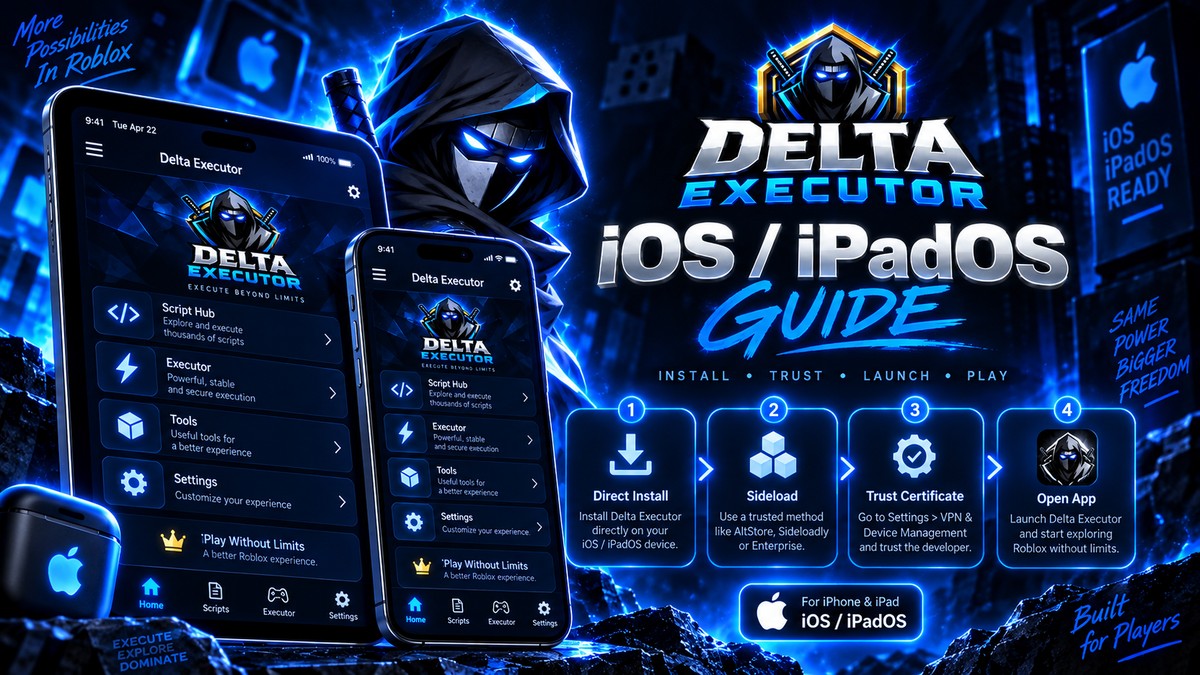
Step-by-step
1
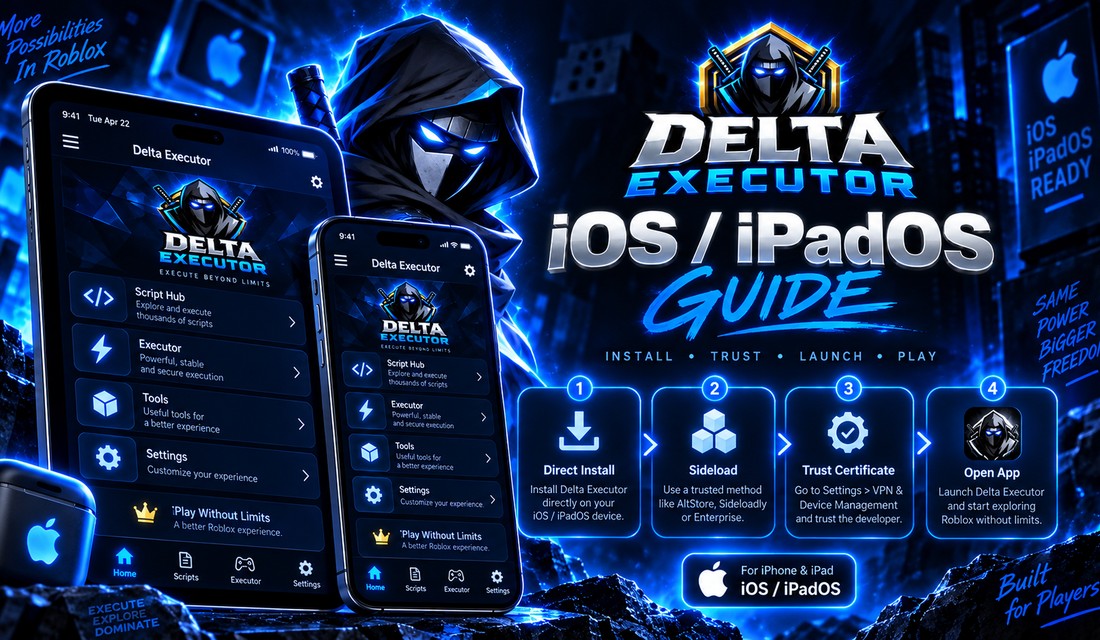
Install using a current IPA/direct-install route.
2
Open Settings → General → VPN & Device Management.
3
Select the developer profile and tap Trust.
4
Open the app and complete the key step.
Important notes
- Certificate revocation can make the app stop opening even when the version itself has not changed.
- Reinstallation with a current signing certificate is the normal recovery path.
Related: This guide is part of the DELTAXECUTER.COM setup silo. Use the links below to move directly to the next task instead of returning to search.