Step-by-step
1
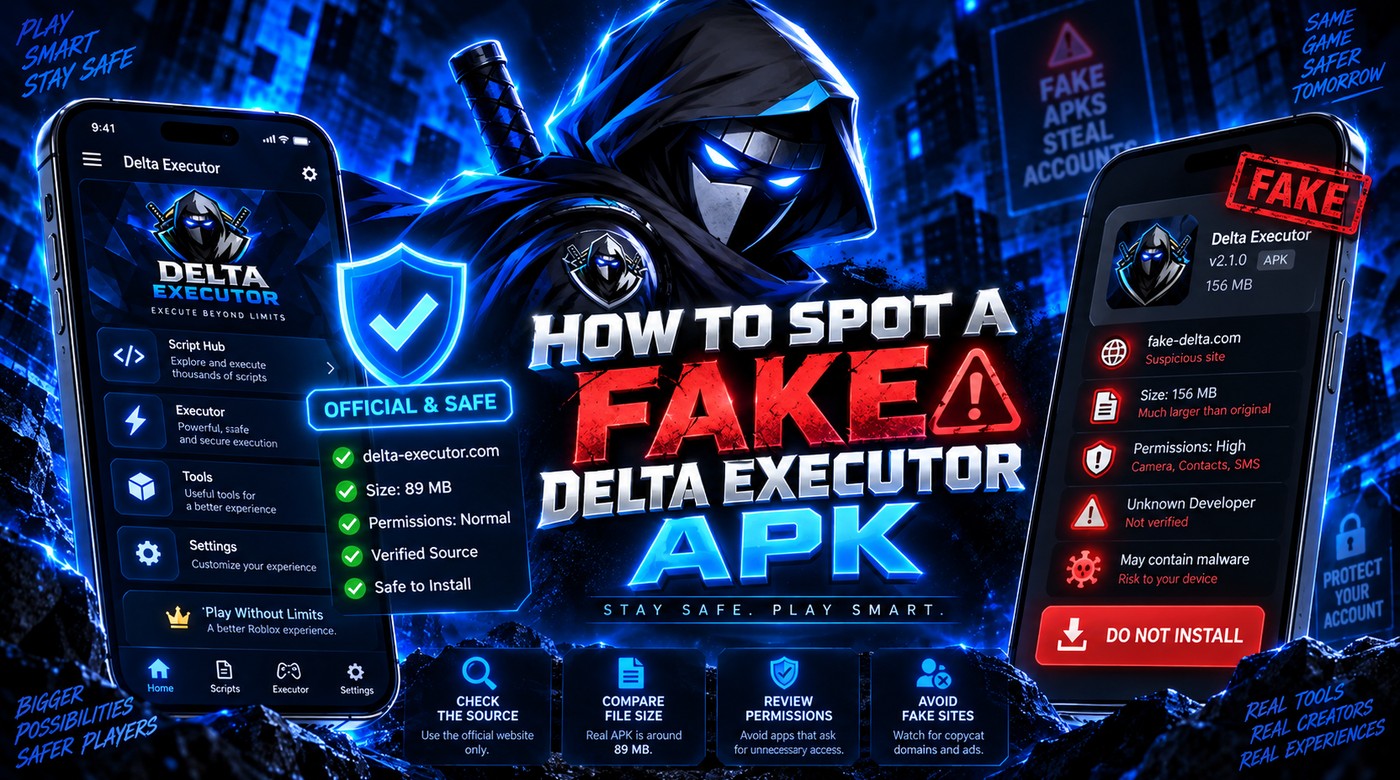
Check that Android uses an APK and iOS uses an IPA.
2
Avoid password-protected archives and second-stage “helper” installers.
3
Review permissions after install.
4
Do not disable your security software globally just to force an install.
Important notes
- Accessibility services, SMS, contacts and device-admin access are strong warning signs for this type of app.
Related: This guide is part of the DELTAXECUTER.COM setup silo. Use the links below to move directly to the next task instead of returning to search.