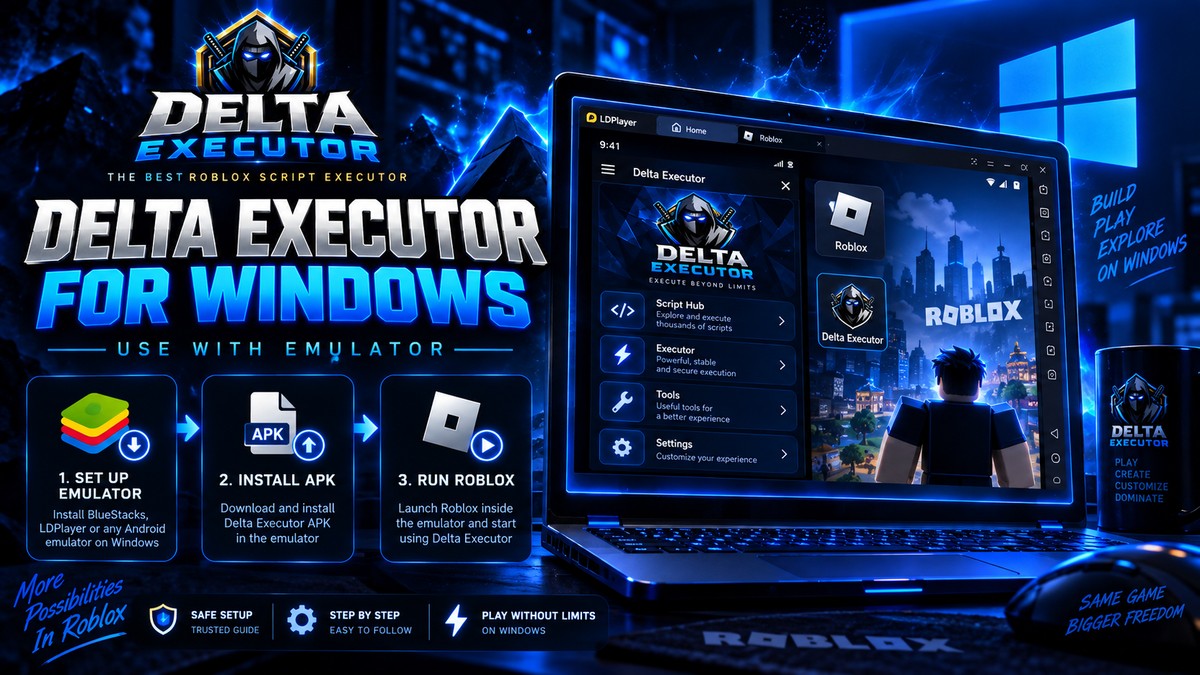
Step-by-step
1
Install an Android emulator such as MuMu Player or BlueStacks.
2
Install the Delta APK inside the emulator.
3
Install Roblox inside the same emulator.
4
Launch both from the emulator and finish the key flow before testing.
Important notes
- The supplied content describes Windows as an emulator route rather than a native Windows build.
- A random .exe claiming to be the Android app is a red flag.
Related: This guide is part of the DELTAXECUTER.COM setup silo. Use the links below to move directly to the next task instead of returning to search.