Every download page explains how to get a Delta key. Almost none explain what you are actually doing while you get one.
Need another section? Start with the Delta Executor homepage, use the Delta Executor download hub for platform files and setup routes, read the Delta Executor key guide, or browse the Delta Executor scripts library.
You are completing advertising tasks. That is the entire mechanism, and understanding it makes the process faster and considerably safer.
The Honest Description
Delta is free and development is not. The key system routes you through monetised link shorteners, and each task you complete generates revenue for whoever operates it.
The 24 hour expiry exists so that revenue repeats daily and so keys cannot be shared in bulk. It is a business model, not a security feature, whatever the download pages say about verification and account protection.
Knowing this changes how you treat it. You are not being protected, you are being monetised, and the adverts you meet along the way are not vetted for you.
What Each Step Does
| Step | What is actually happening |
|---|---|
| Tap Get Key in the app | Opens your browser at the key system entry point |
| Continue button | Hands you to a link shortener |
| Wait timer | Ad impression time, usually 5 to 15 seconds |
| Article or content page | Another ad impression |
| Second or third shortener | Additional monetisation layers |
| Unlock button | Generates the key once tasks register as complete |
Some routes have one shortener, some chain three. More steps means more revenue, not more security.
What You Will Encounter
The ad networks used here are low quality and the content is not filtered.
Expect to see:
- Fake virus warnings claiming your device is infected.
- Prize and gift card claims.
- Pages pushing app installs.
- Notification permission requests.
- Adult content on some networks.
- Fake download buttons designed to look like the real one.
None of these are part of the key process. You never need to install anything, allow notifications, or enter personal details to finish it.
Rules For Getting Through It Safely
- Use your normal browser, not an in app one. In app browsers break the redirect chain and cause most reported failures.
- Close any page asking you to install something. Go back and continue.
- Never allow notifications. These lead to persistent ad spam.
- Never enter personal details. No real step asks for your name, address or card.
- Never enter your Roblox password. The key system has nothing to do with your account.
- Ignore virus warnings on these pages. A web page cannot scan your device.
- Tap only the labelled continue button, not the largest or most colourful one.
If a step genuinely cannot be completed without installing something, abandon that attempt and try again later.
Why It Sometimes Fails
| Symptom | Cause |
|---|---|
| Tasks never mark complete | In app browser or blocked redirect |
| Loops back to the start | Ad blocker or VPN interference |
| Unlock button does nothing | Timer not fully elapsed |
| Key rejected by the app | Whitespace copied with the key |
| Nothing works for anyone | Key servers down |
Disable a VPN and ad blocker for this step only, then re-enable them afterwards.
Is There A Way To Skip It?
Premium removes it. That is the only legitimate route.
Every key generator is fake. Keys are issued by the key system and nothing external can produce one, so any tool claiming otherwise is after ad revenue, an install, or your credentials.
Frequently Asked Questions
Why does the key expire every 24 hours? So the advertising revenue repeats daily and keys cannot be widely shared.
Are the adverts dangerous? The pages themselves rarely are. The danger is in following their prompts to install software or hand over details.
Can I use an ad blocker? It usually breaks the task tracking. Disable it for this step only.
Does the key system verify my account? No. It verifies you completed advertising tasks. It has no connection to your Roblox account.
Related reading
Is Delta Executor Premium Worth Buying?
What Premium removes, what it costs, and the risks of paying an anonymous developer with no refund process.
Read more
Delta Key Not Working? Every Cause And Fix
Every reason a Delta Executor key fails, ranked by how common it is, with the fix for each one.
Read more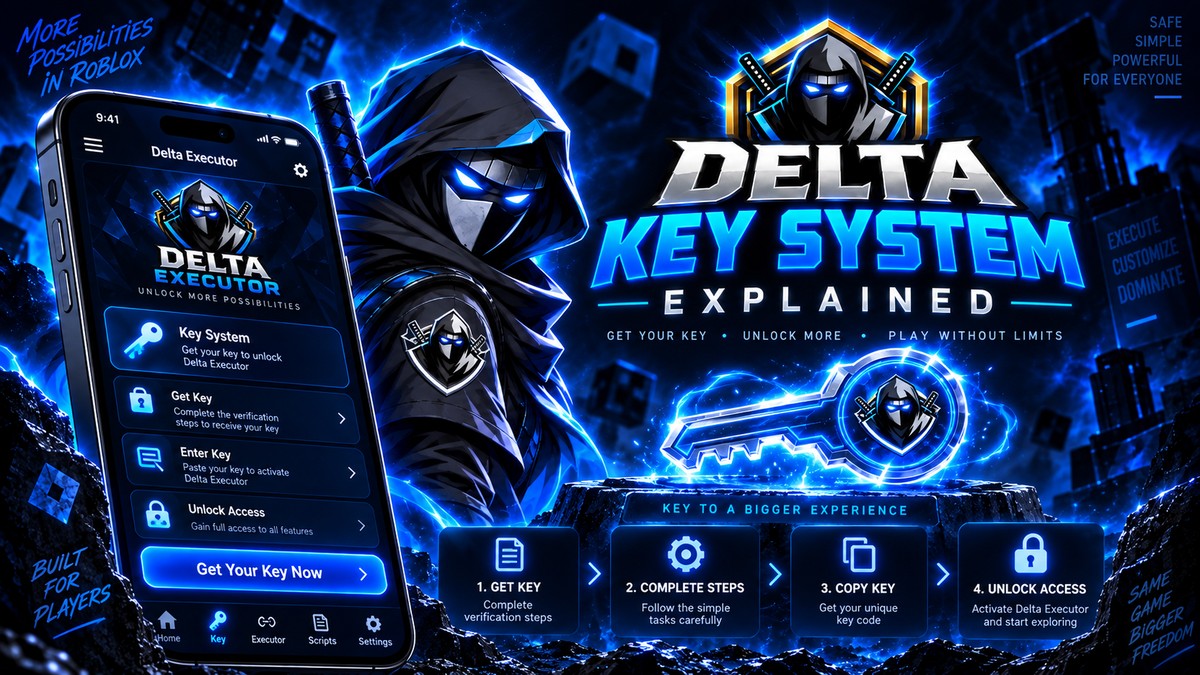
Why The Delta Key Expires Every 24 Hours
The actual reason Delta keys are time limited, what the expiry protects, and whether there is any legitimate way around it.
Read more