Checking an app's permissions is the most useful safety test available to you and almost nobody does it. It takes under a minute and it catches tampered files that pass every other check.
Need another section? Start with the Delta Executor homepage, use the Delta Executor download hub for platform files and setup routes, read the Delta Executor key guide, or browse the Delta Executor scripts library.
This page lists what a genuine build legitimately needs, what it should never ask for, and what to do when you find something wrong.
What It Legitimately Needs
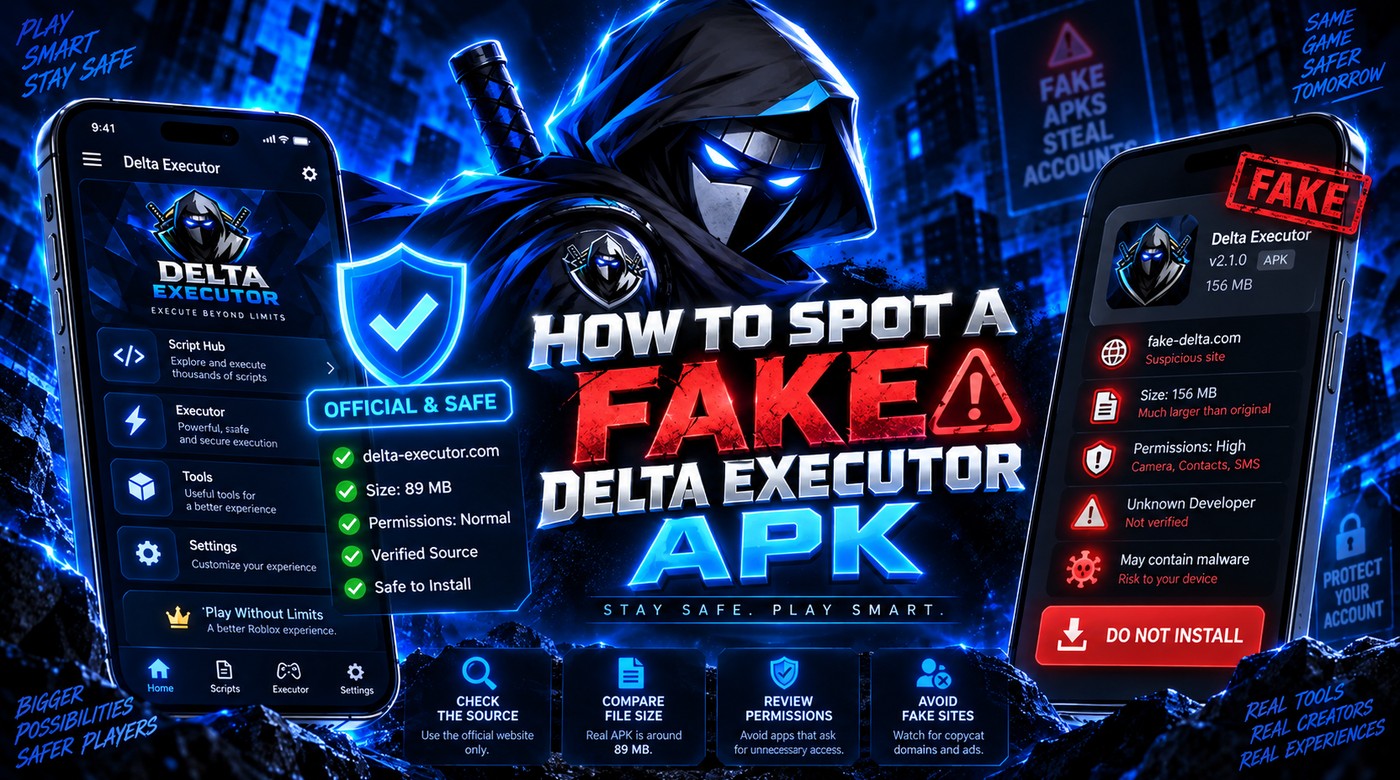
Only two things, really.
Storage access. The app reads and writes script files, so it needs somewhere to keep them. This is unavoidable and expected.
Display over other apps. The floating button that appears on top of a running game requires this. Without it the overlay cannot draw.
That is essentially the whole legitimate requirement. An executor is not a complicated app from a permissions perspective, which is exactly what makes unusual requests so informative.
What It Should Never Ask For
| Permission | Why it is a problem |
|---|---|
| Accessibility services | Can read everything displayed and everything typed, including passwords |
| SMS | Can read verification codes sent to your phone |
| Contacts | No possible legitimate use |
| Call logs and phone | No possible legitimate use |
| Camera | No possible legitimate use |
| Microphone | No possible legitimate use |
| Location | No possible legitimate use |
| Device administrator | Makes the app very difficult to remove |
| Install other apps | Allows silent installation of additional software |
Accessibility services and device administrator are the two that matter most. Both are heavily abused, both are unnecessary here, and either one alone justifies removing the app immediately.
How To Check On Android
- Open Settings.
- Tap Apps or Apps and notifications.
- Find the app in the list.
- Tap Permissions.
- Check both the allowed and denied lists.
Also check Settings, Accessibility separately. Accessibility services do not always appear in the standard permission list, and this is precisely why malicious apps use them.
Check Settings, Security, Device admin apps as well. Anything listed there can resist uninstallation.
How To Check On iOS
iOS handles this differently. Sideloaded apps appear under Settings, General, VPN and Device Management as trusted developer profiles.
Individual permissions appear in the app's own entry in Settings. iOS is more restrictive by default, so the permission surface is smaller, but the profile itself is worth reviewing.
What To Do If Something Is Wrong
Work through this in order and do not skip steps.
- Disconnect from Wi-Fi and mobile data.
- Revoke the permission. For device admin, deactivate it first or the uninstall will fail.
- Uninstall the app.
- Change your Roblox password from a different device.
- Enable two step verification on Roblox.
- Change your email password, also from a different device.
- Run a scan with Play Protect or a reputable security app.
- Check your app list for anything unfamiliar.
Use a different device for the password changes. If something on the affected device could read what you typed, changing a password there simply hands over the new one.
Why This Check Beats A Virus Scan
Executors trigger antivirus warnings by design, because attaching to another program's memory looks identical to genuinely malicious behaviour. A flag tells you very little.
Permissions are different. A script executor has no reason to read your SMS, regardless of how it handles memory. That request is not explainable by the app's normal function, which makes it far more informative than a scanner result.
Frequently Asked Questions
Is storage permission dangerous? It is broad but expected here. The app genuinely needs it for script files.
Why would an executor want accessibility access? There is no legitimate reason. Its practical use is reading the screen and captured input, which is why it is a serious warning sign.
Can I use the app with permissions denied? Storage and overlay are required for it to function. Everything else can and should be denied.
Does iOS have the same risk? The permission surface is smaller and iOS is more restrictive, but sideloaded apps still warrant review.
Related reading
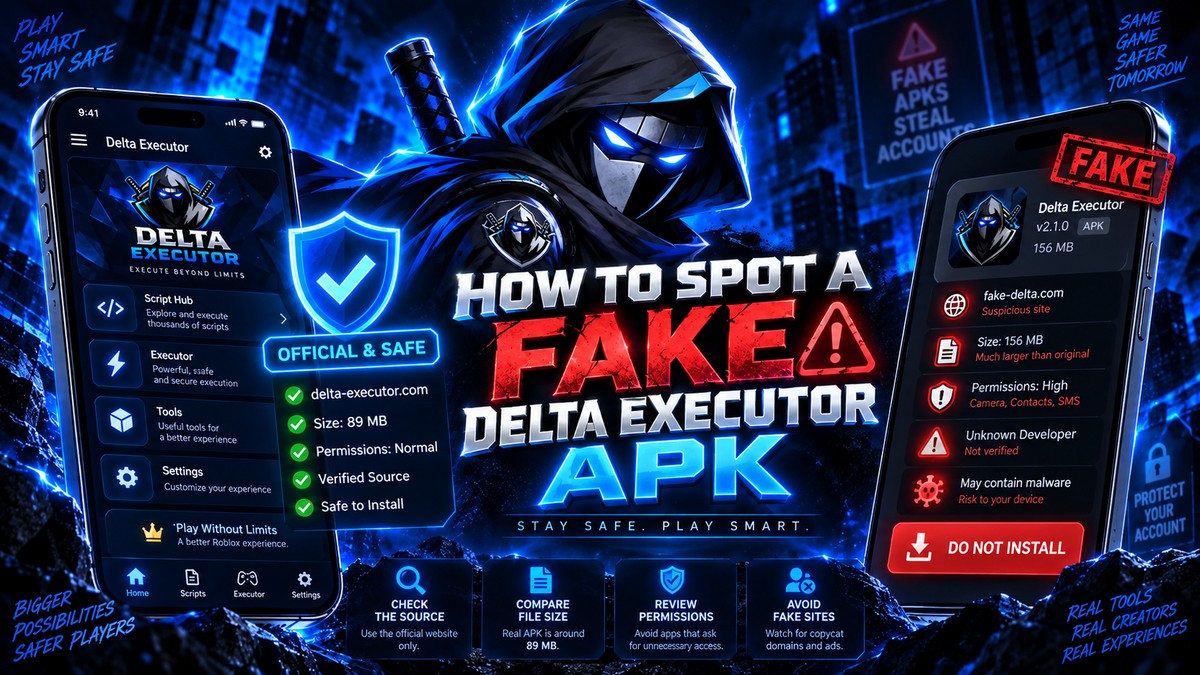
How To Spot A Fake Delta Executor APK
Five checks that tell you whether a Delta Executor download is genuine or repackaged, including file size, permissions and installer behaviour.
Read more
Why Antivirus Flags Delta Executor
Why security software marks Delta Executor as a threat, how to tell a false positive from a real one, and safer options than disabling protection.
Read more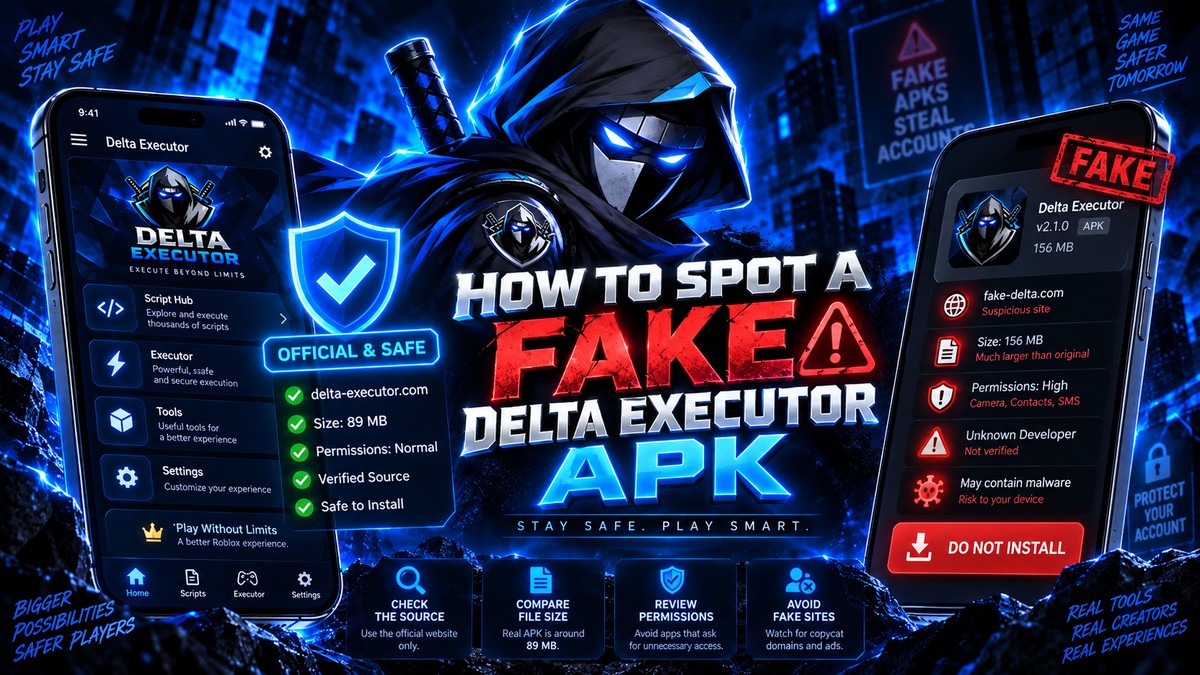
Delta Executor Scams To Avoid In 2026
The most common Delta Executor scams, from paid downloads of a free app to fake key generators and credential phishing pages.
Read more