You downloaded the file, your security software threw a warning, and now you are trying to work out whether it is real.
Need another section? Start with the Delta Executor homepage, use the Delta Executor download hub for platform files and setup routes, read the Delta Executor key guide, or browse the Delta Executor scripts library.
The honest answer is that the warning is not baseless, and it is also not proof the file is malicious. Both things are true and the distinction is worth understanding.
What you should not do is what several sites in this niche recommend, which is switching your protection off.
Why The Flag Happens
An executor works by attaching to the running Roblox process and writing code into its memory. That is its entire function.
Modifying another program's memory is exactly what genuinely malicious software does when it wants to hijack a program. At the level a scanner examines behaviour, the two are indistinguishable.
So scanners flag both. This is not a malfunction, it is the scanner correctly identifying behaviour that is genuinely unusual and genuinely risky in other contexts.
What The Labels Mean
| Label | Meaning |
|---|---|
| PUP or PUA | Potentially unwanted, flagged on behaviour rather than known malware |
| Riskware | Legitimate capability that could be misused |
| HackTool | Recognised as a game modification tool |
| Trojan | Claims the file carries a hidden payload |
| Generic or Heuristic | Matched a behaviour pattern, not a known signature |
The first three are typical for this category and broadly expected. A Trojan detection is different and should be taken seriously, because it claims something specific rather than describing behaviour.
False Positive Or Real?
You cannot be certain, but you can weigh the evidence.
Points towards false positive:
- The label is PUP, riskware or hacktool.
- File size matches the stated size.
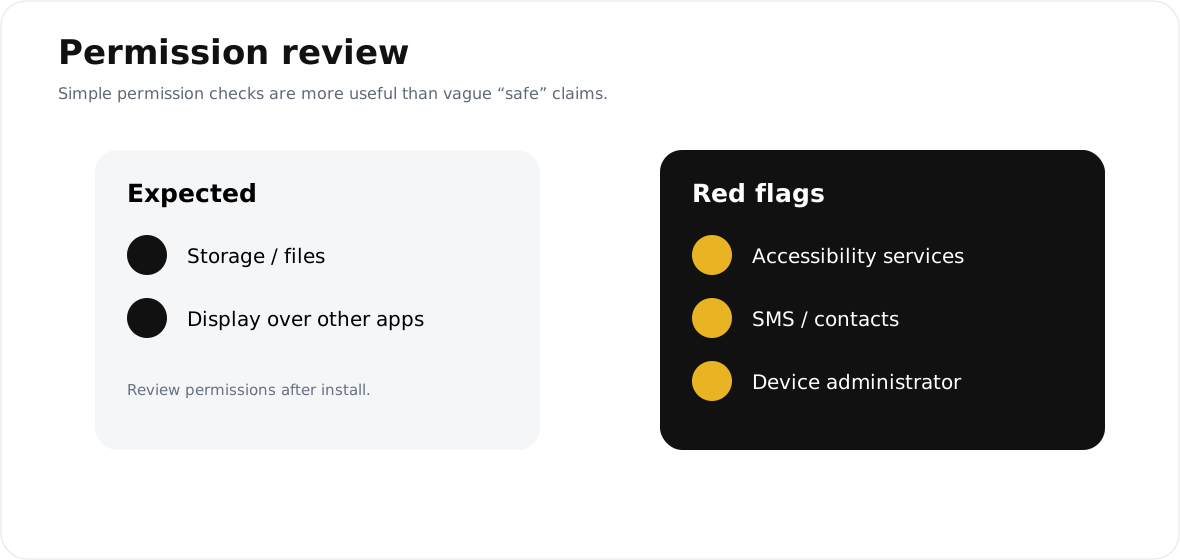
- Only storage and overlay permissions after install.
- The app installs alone with nothing else.
- No unexpected network activity or notifications.
Points towards a genuine problem:
- Trojan or stealer detection specifically.
- File size well below what the source listed.
- Accessibility or device admin requested.
- A second app installed alongside.
- The file arrived in a password protected archive.
- A browser page opened on its own after install.
Two or more items in the second list means delete it.
What Not To Do
Several sites in this niche instruct users to disable Windows Defender or turn off real time protection before installing. Do not follow that advice.
Disabling protection does not make the file safer. It removes your defence against every other file on the device, at exactly the moment you are installing something from an unverified source.
It is also the behaviour genuinely malicious downloads need from you. "Turn off your antivirus first" is a standard instruction in malware distribution, which is why seeing it should lower your trust in the page giving it, not raise it.
The Safer Alternative
If you have verified the file and decided to proceed, add an exception for that one file rather than disabling protection entirely.
Most security software supports a per file or per folder exclusion. This keeps everything else protected while allowing the one file you have assessed.
If you are not comfortable creating an exclusion, do not install the app. That is a perfectly reasonable decision and it is better than the alternative.
If You Already Disabled Protection
Turn it back on now, then run a full scan.
Check for apps you do not recognise. Change your Roblox password from a different device and enable two step verification.
Do this even if nothing visibly went wrong. Credential theft is designed to go unnoticed.
Frequently Asked Questions
Does a flag mean the file is definitely malicious? No. Executors trigger behavioural detection by design and a PUP or hacktool label is expected for this category.
Does no flag mean it is safe? No. Repackaged files are often modified specifically to avoid signature detection, so a clean scan is reassuring rather than conclusive.
Should I upload the file to a scanning site? It is a reasonable extra step, but interpret it carefully. Some detections are expected and some are meaningful, and the count alone does not tell you which.
Is Play Protect blocking it a bad sign? Play Protect blocks sideloaded apps broadly. It is expected here and is not specific evidence about that file.
Related reading
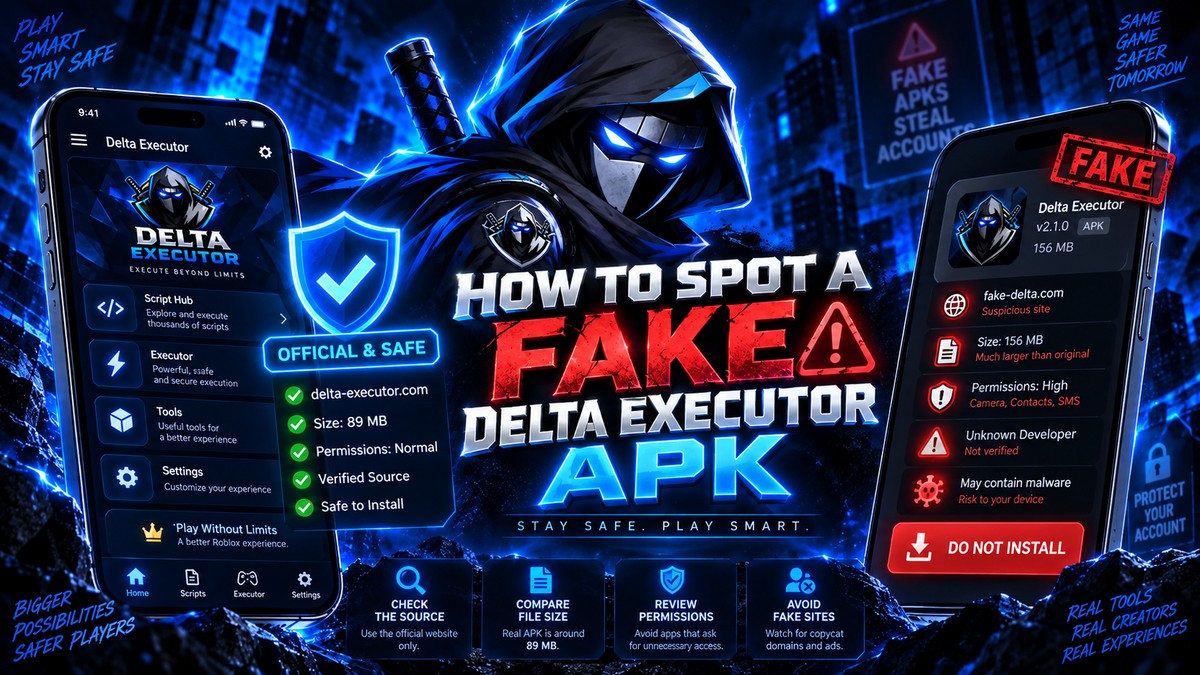
How To Spot A Fake Delta Executor APK
Five checks that tell you whether a Delta Executor download is genuine or repackaged, including file size, permissions and installer behaviour.
Read more
Delta Executor Permissions Explained In Full
Every permission Delta Executor should and should not request on Android, and which ones mean the file has been tampered with.
Read more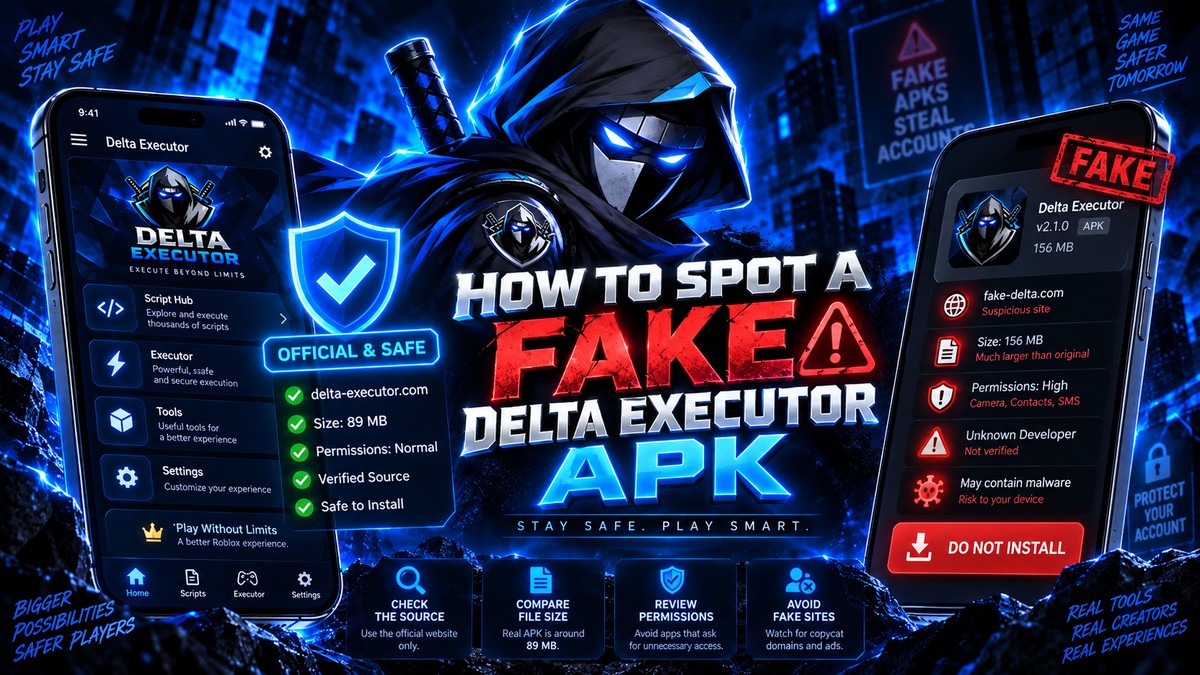
Delta Executor Scams To Avoid In 2026
The most common Delta Executor scams, from paid downloads of a free app to fake key generators and credential phishing pages.
Read more