If any executor, script hub, key page or tool asks for your Roblox username and password, close it. This is the shortest and most important safety rule in this whole topic.
Need another section? Start with the Delta Executor homepage, use the Delta Executor download hub for platform files and setup routes, read the Delta Executor key guide, or browse the Delta Executor scripts library.
There is no legitimate reason for it and there is one very common illegitimate reason.
Why No Legitimate Tool Needs It
An executor attaches to the Roblox app already running on your device. It does not need to authenticate you, because you are already logged in through the official app.
Script hubs run code inside a session that is already active. They do not need credentials either.
The key system verifies that you completed advertising tasks. It has nothing to do with your Roblox identity.
Nothing in the normal flow requires your password at any point.
What The Request Is Actually For
Account theft. A stolen Roblox account can be sold, stripped of limiteds, or used to run scams against the friends on it.
Accounts with limiteds or Premium have real resale value, which is why this is worth the effort to the people doing it.
Where The Request Shows Up
| Location | How it is framed |
|---|---|
| Fake login screens in modified builds | "Verify your account to continue" |
| Script hub prompts | "Log in to save your scripts" |
| Key system pages | "Confirm your account to receive your key" |
| Reward sites | "Log in to claim your Robux" |
| Discord bots | "Authenticate to access the server" |
They are all the same thing wearing different clothes.
Related Things To Refuse
Passwords are the obvious one. These also matter.
- Your .ROBLOSECURITY cookie. This grants account access without a password and bypasses two step verification entirely. Never share it, never paste it into anything.
- Two step verification codes. No tool needs these.
- Your email password. Even less justification than the Roblox one.
- Screen sharing while logged in. Session information can be captured this way.
The cookie deserves emphasis. Anyone asking for your .ROBLOSECURITY value is attempting to take your account, with no ambiguity and no legitimate alternative explanation.
If You Already Entered It
Act immediately and in this order.
- Change your Roblox password now, from a different device.
- Enable two step verification.
- Log out of all other sessions in Roblox security settings.
- Change your email password, also from a different device.
- Check recent trades and purchases.
- Remove whatever app or page asked for it.
Use a different device for the changes. If something on the original device captured your typing, changing the password there hands over the new one too.
How To Protect Against It Permanently
Enable two step verification on Roblox. It is the single highest value step available and it protects you even if a password is stolen.
Use a password unique to Roblox, so a leak elsewhere does not reach your account.
Never enter Roblox credentials anywhere except roblox.com or the official app. There is no exception to this rule.
Frequently Asked Questions
What if the app says it needs my login to work? It is lying. Executors attach to a session you have already authenticated and never need credentials.
Is it safe if the login screen looks exactly like Roblox? Convincing copies are the entire point. Appearance proves nothing.
What is a .ROBLOSECURITY cookie? A token granting account access without a password. It bypasses two step verification, which is why it is a prime target.
Does two step verification stop this completely? It stops password theft from being enough. It does not protect against cookie theft, which is why you should never share that either.
Related reading
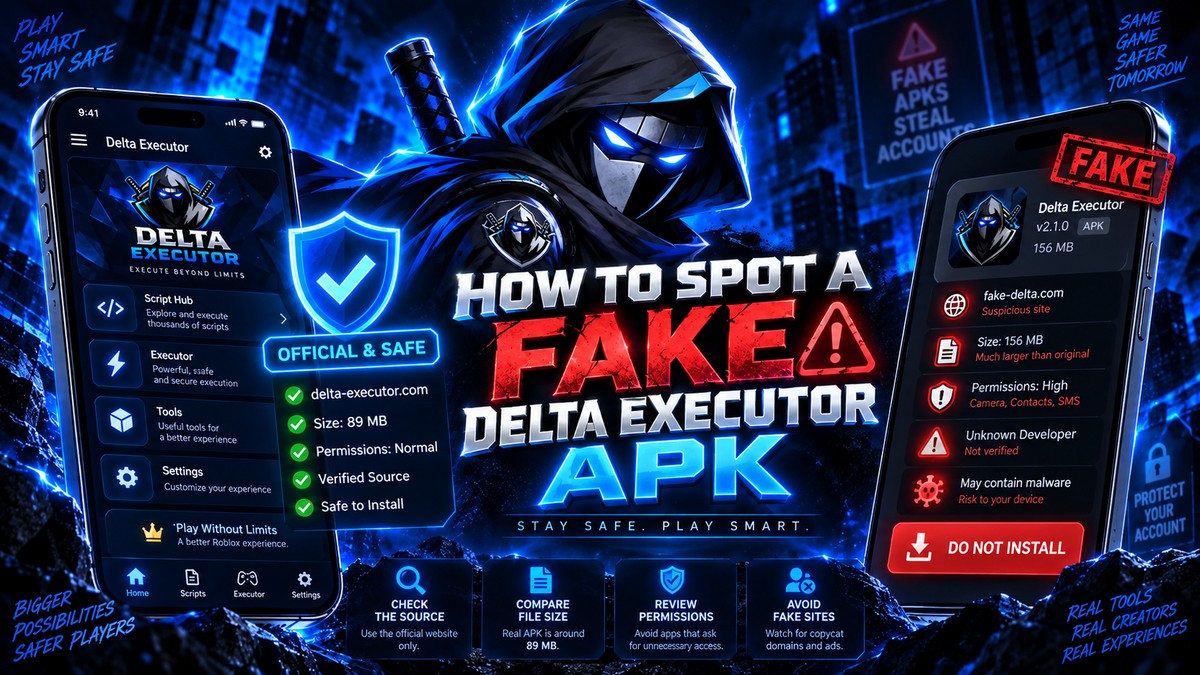
How To Spot A Fake Delta Executor APK
Five checks that tell you whether a Delta Executor download is genuine or repackaged, including file size, permissions and installer behaviour.
Read more
Delta Executor Permissions Explained In Full
Every permission Delta Executor should and should not request on Android, and which ones mean the file has been tampered with.
Read more
Why Antivirus Flags Delta Executor
Why security software marks Delta Executor as a threat, how to tell a false positive from a real one, and safer options than disabling protection.
Read more