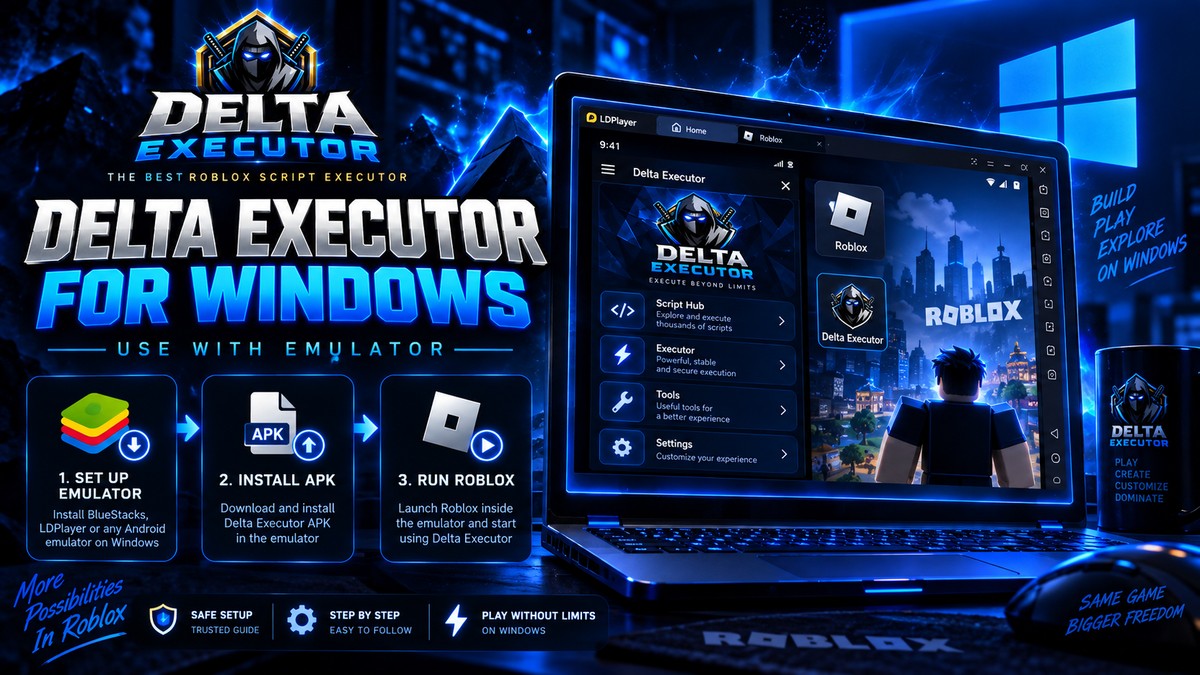
Both work. MuMu is generally the better choice for this specific use, mainly because it is lighter.
Need another section? Start with the Delta Executor homepage, use the Delta Executor download hub for platform files and setup routes, read the Delta Executor key guide, or browse the Delta Executor scripts library.
Quick Comparison
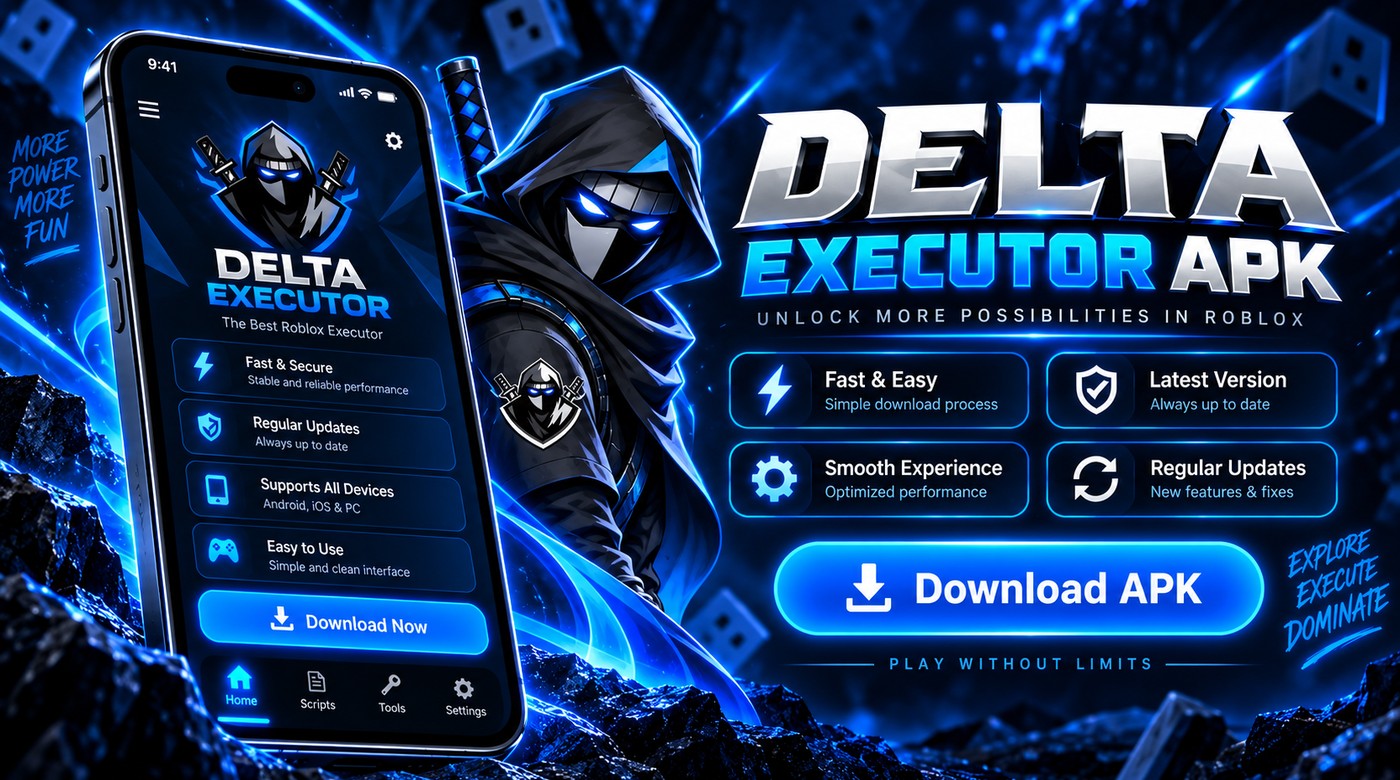
| Factor | MuMu Player | BlueStacks |
|---|---|---|
| RAM use | Lower | Higher |
| Install size | Smaller | Larger |
| Performance on modest PCs | Better | Adequate |
| Advertising in the client | Less | More |
| Setup complexity | Simple | Simple |
| Stability with overlays | Good | Good |
| Android version options | Multiple | Multiple |
Why MuMu Usually Wins Here
The overlay is the deciding factor. You are running Roblox and an executor overlay simultaneously inside an emulated Android environment, which is demanding.
A lighter emulator leaves more headroom for that. On a PC with 8GB of RAM, the difference between the two is noticeable rather than marginal.
BlueStacks also runs more advertising inside its own client, which consumes resources and is irritating during use.
Where BlueStacks Is Fine
On a PC with 16GB of RAM or more, the resource difference stops mattering. If you already use BlueStacks for something else, there is no reason to switch.
BlueStacks also has broader compatibility with unusual apps, though this is not relevant here.
Recommended Settings For Either
- Allocate 4GB of RAM to the emulator if your PC has 8GB. Allocate 6GB if you have 16GB.
- Assign 4 CPU cores where available.
- Choose an Android 9 or 11 image rather than the newest, since these are better tested with this category of app.
- Enable virtualisation in your BIOS. This makes a very large difference and many people never do it.
- Set resolution to 1600x900 rather than 1080p to reduce load.
- Close other applications before a session.
Enabling virtualisation is the highest impact single change. It is disabled by default on many systems and doubling emulator performance is common after enabling it.
Setup Order
- Install the emulator.
- Enable virtualisation in BIOS if not already on.
- Configure RAM and CPU allocation.
- Install Roblox inside the emulator.
- Install the Delta APK inside the emulator.
- Run both from within the emulator.
Frequently Asked Questions
Can I use LDPlayer or Nox instead? Yes, both work. MuMu and BlueStacks are simply the most commonly used.
How much RAM do I need overall? 8GB minimum for a workable experience, 16GB for a comfortable one.
Does the emulator affect ban risk? Not directly, though Roblox can detect emulator use and some games restrict it.
Why is performance still bad after all this? Usually virtualisation is still disabled, or the PC lacks the memory for the allocation you have set.
Related reading
Does Delta Executor Work On Android 15 And 16?
Compatibility status for Delta Executor on the newest Android versions, plus the install changes that affect sideloaded apps.
Read more
Delta Executor On Chromebook: Does It Work?
Whether Delta Executor runs on Chromebooks, which models support it, and the limits of Android apps on ChromeOS.
Read more
Delta Executor On iPad: What Is Different
How Delta Executor behaves on iPad compared to iPhone, including screen layout, certificate handling and performance.
Read more