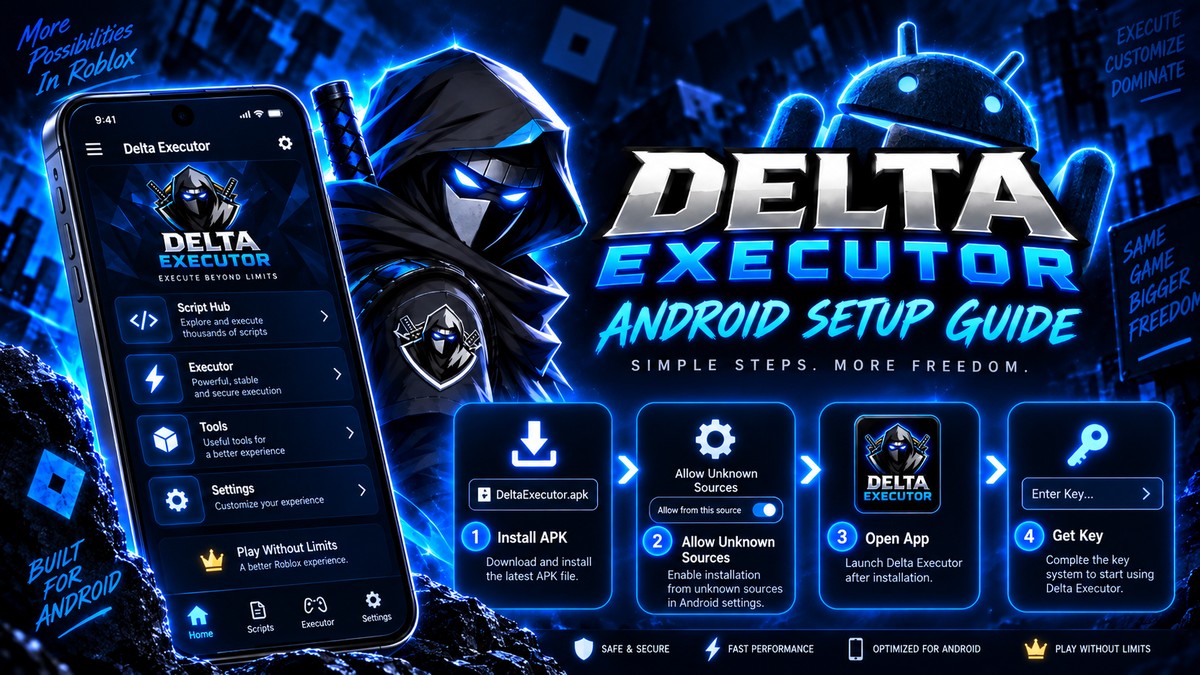
Yes, current builds run on recent Android versions. Most reported failures on new Android are install problems rather than compatibility problems, and they have straightforward fixes.
Need another section? Start with the Delta Executor homepage, use the Delta Executor download hub for platform files and setup routes, read the Delta Executor key guide, or browse the Delta Executor scripts library.
Compatibility Summary
| Android version | Status |
|---|---|
| Below 5.0 | Not supported |
| 5.0 to 8.0 | Works, expect performance limits |
| 9 to 13 | Fully supported |
| 14 | Supported |
| 15 | Supported |
| 16 | Supported on current builds |
If you are on Android 15 or 16 and it will not install, the cause is almost certainly one of the items below rather than the OS version itself.
What Changed In Newer Android
Google has tightened sideloading progressively, and three changes affect this app.
Restricted settings. Android 13 onwards blocks certain permissions for sideloaded apps until you explicitly allow them through a separate menu. Overlay permission is affected.
Per source install permission. You now grant install permission per app rather than globally, so allowing it for Chrome does not allow it for your file manager.
Stricter package verification. Modified or incorrectly signed APKs are rejected more aggressively than before, which is a genuine safety improvement.
Fixing Install Failures On Android 15 And 16
Work through these in order.
- Download fully. Interrupted downloads are the most common cause of package invalid errors.
- Grant install permission to the right app. Whichever app you open the file from is the one that needs it.
- Uninstall any previous version completely. Installing over an older build causes signature conflicts.
- Allow restricted settings. Open Settings, Apps, find the app, tap the three dot menu, and select Allow restricted settings.
- Check free storage. You need room for the file and the install, so 1GB free is a sensible minimum.
- Disable Play Protect scanning for the install, then re-enable it afterwards. It blocks sideloaded installs broadly.
Step 4 is the one people miss. Without it the overlay button never appears, and the app looks broken when it is simply not permitted to draw.
The Overlay Problem Specifically
If the app installs and opens but the floating button never appears, this is a permission issue rather than a bug.
Go to Settings, Apps, find the app, then Display over other apps, and enable it. On Android 13 and above you may need to allow restricted settings first.
Frequently Asked Questions
Will Android 16 block sideloading entirely? Sideloading remains available, with more friction than previous versions. Current builds install successfully.
Why does Play Protect warn me? It warns about sideloaded apps broadly. It is expected here and is not specific evidence about the file.
Do I need to keep Play Protect off? No. Turn it back on after installing.
Does a newer Android increase ban risk? No. Detection is unrelated to your Android version.
Related reading
Delta Executor On Chromebook: Does It Work?
Whether Delta Executor runs on Chromebooks, which models support it, and the limits of Android apps on ChromeOS.
Read more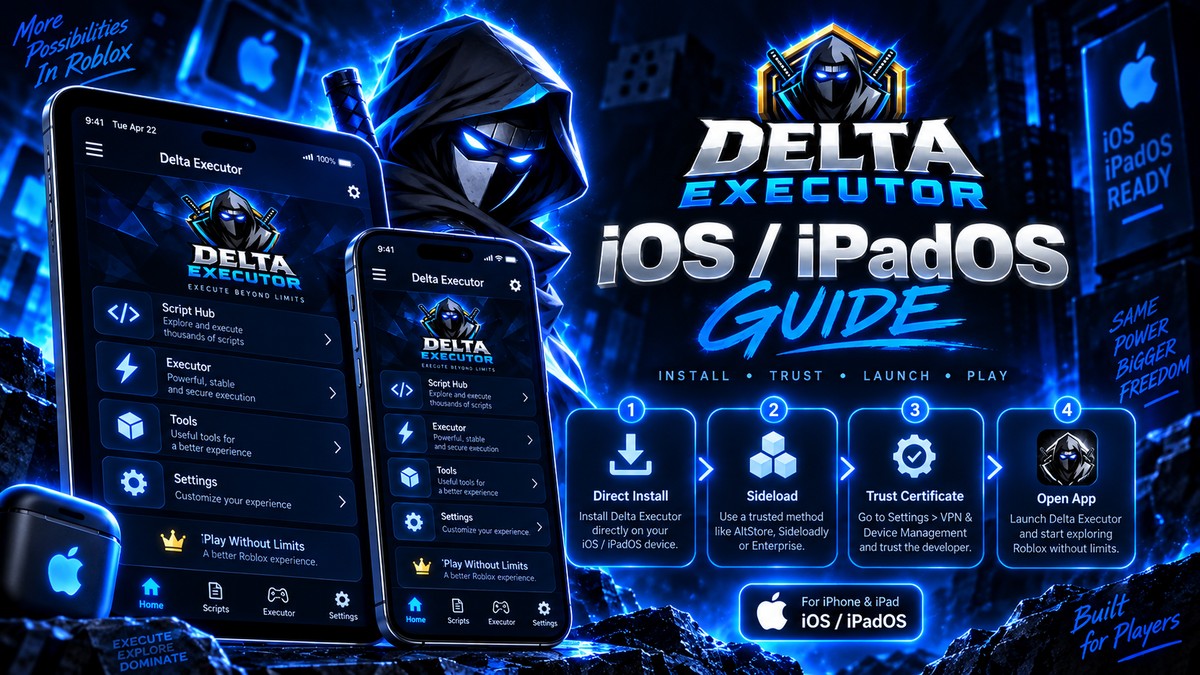
Delta Executor On iPad: What Is Different
How Delta Executor behaves on iPad compared to iPhone, including screen layout, certificate handling and performance.
Read more
Why Delta Executor Has No Windows Version
Why there is no native Delta build for Windows, why every PC setup needs an emulator, and what to make of .exe downloads.
Read more