Sometimes. It depends entirely on your Chromebook model and how your device is managed, and for a large share of users the answer is no.
Need another section? Start with the Delta Executor homepage, use the Delta Executor download hub for platform files and setup routes, read the Delta Executor key guide, or browse the Delta Executor scripts library.
Requirements
Three things must all be true.
Android app support. Your Chromebook must support the Google Play Store. Most models from 2017 onwards do, but not all.
Unmanaged device. School and organisation managed Chromebooks almost always block sideloading, and this is not something you can work around.
Developer mode or Linux, in most cases. Because the app is not on Play, you need a route to install an APK, which usually means enabling ChromeOS developer options or using the Linux environment.
If your Chromebook was issued by a school, the answer is no. Managed policies block this and attempting to bypass them is a separate problem from whether the app works.
Realistic Assessment
| Your Chromebook | Likely outcome |
|---|---|
| Personal, recent, Play Store enabled | Workable with setup effort |
| Personal, older, no Play Store | No |
| School or work managed | No |
| Low RAM model (4GB or less) | Poor performance if it works |
Why It Often Disappoints Even When It Works
Chromebooks running Android apps do so in a container, which adds overhead. Roblox alone is demanding on typical Chromebook hardware.
Adding an executor overlay on top frequently produces stuttering, and many models simply lack the headroom.
The overlay permission is also handled differently in the ChromeOS Android container, and it does not always behave as it does on a phone.
The Better Alternative
If you have access to a Windows PC, use that. Emulator performance on a modest PC substantially exceeds what a typical Chromebook manages.
If the Chromebook is your only device and it is managed, there is no route here worth pursuing.
Frequently Asked Questions
Can I install it on a school Chromebook? No. Managed policies block sideloading, and this is the intended behaviour.
Do I need developer mode? Usually yes, or the Linux environment, because the app is not available through Play.
Will it perform well? Generally no. Chromebook hardware plus container overhead leaves little headroom.
Is there a ChromeOS version? No. Anything running is the Android build inside the container.
Related reading
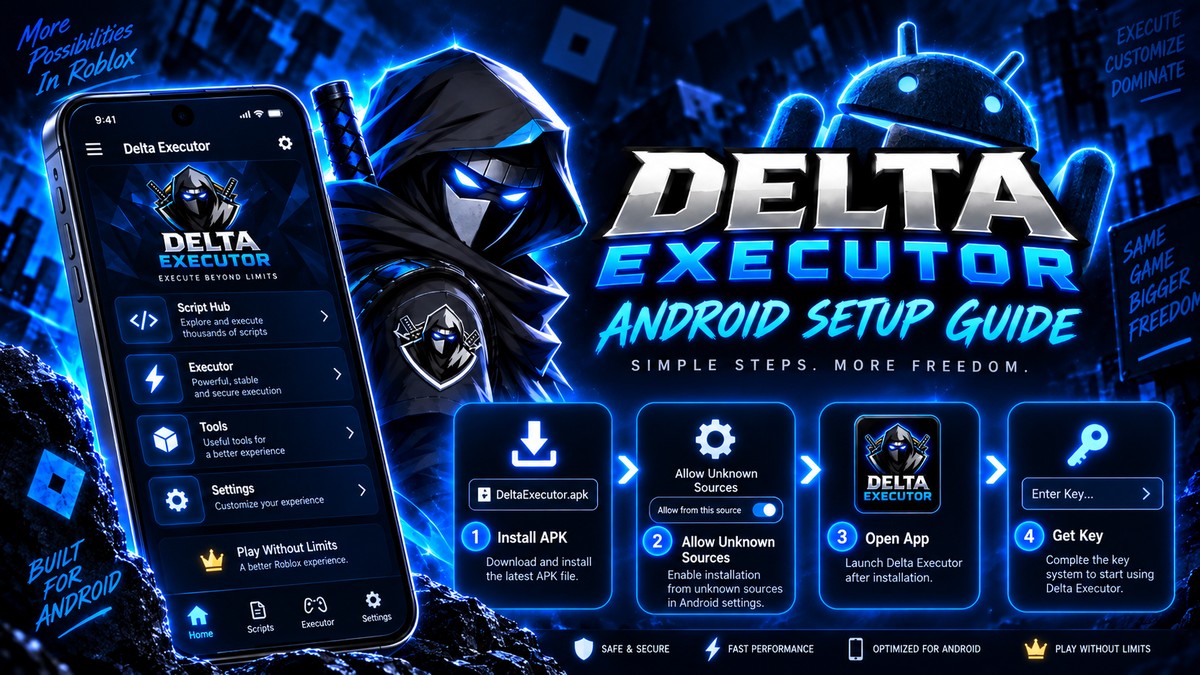
Does Delta Executor Work On Android 15 And 16?
Compatibility status for Delta Executor on the newest Android versions, plus the install changes that affect sideloaded apps.
Read more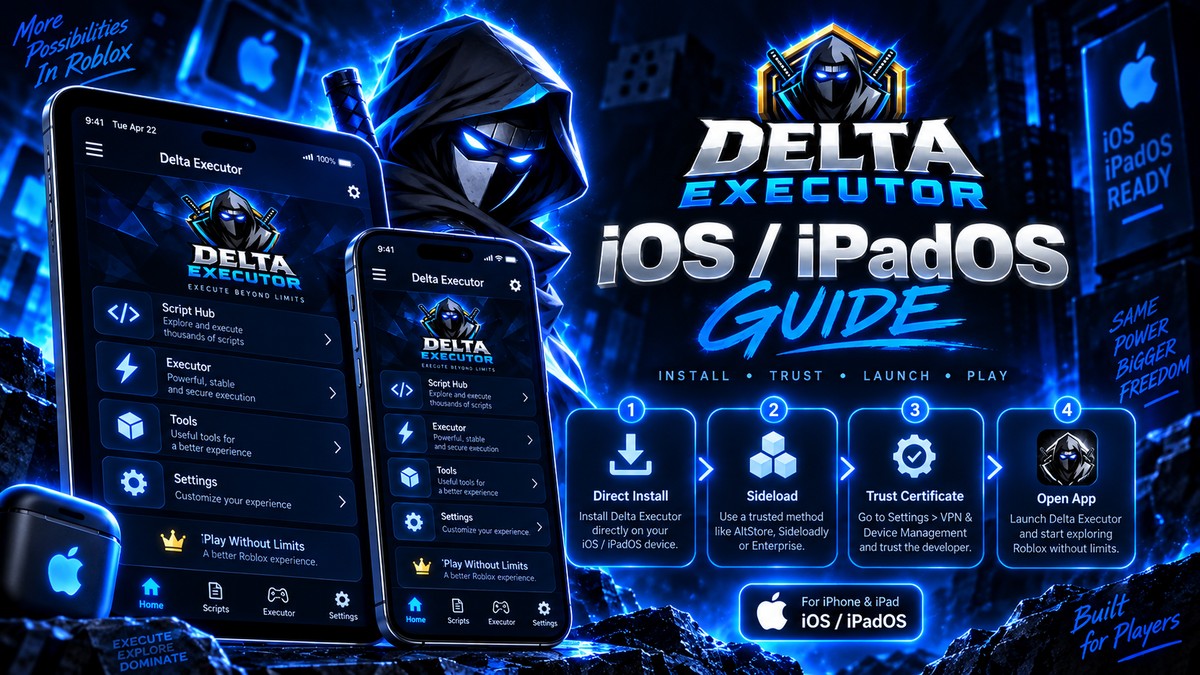
Delta Executor On iPad: What Is Different
How Delta Executor behaves on iPad compared to iPhone, including screen layout, certificate handling and performance.
Read more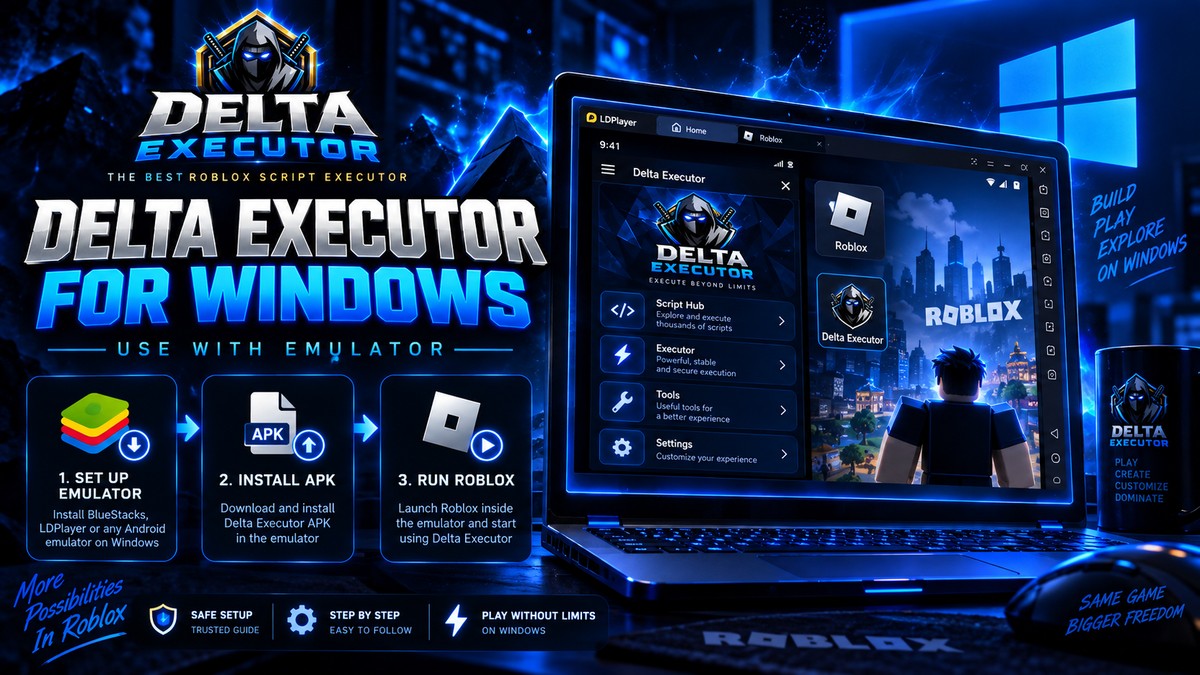
Why Delta Executor Has No Windows Version
Why there is no native Delta build for Windows, why every PC setup needs an emulator, and what to make of .exe downloads.
Read more